
There is no published industry standard for how long a robot vacuum lasts, and no manufacturer we are aware of states an expected useful life. Any number you see online — including ours — is an estimate drawn from owner reports, not a measured figure.
What we can describe reliably is which parts wear out, what makes them wear faster, and what determines whether a robot can be repaired instead of replaced.
Why there is no single answer
Robot vacuum lifespan is not a published, measurable specification. Manufacturers state warranty coverage — typically a limited warranty of a year or two, and sometimes a separate, shorter period for the battery — but a warranty is a repair-or-replace commitment, not a statement of how long the product is expected to work. The two should never be treated as the same number.
Owner reports describe a very wide spread, from robots retired within a couple of years to units still running after many years of daily use. That spread is real, and it is why we do not publish a single figure for the category or for individual brands.
What moves a robot toward the longer end: how often it runs, how consistently it is cleaned and maintained, battery care and degradation, floor conditions and grit, how much hair it takes in, how complex the dock is, how well the design tolerates wear — and, decisively, whether replacement parts remain available and the robot is practical to repair.
What tends to wear out first
Battery: rechargeable lithium packs lose capacity with charge cycles, so shorter runtime is the most commonly reported first sign of ageing. When it happens depends on how often the robot runs. Most major brands sell replacement packs, and prices vary by model and region — check the brand's own parts store rather than a general estimate.
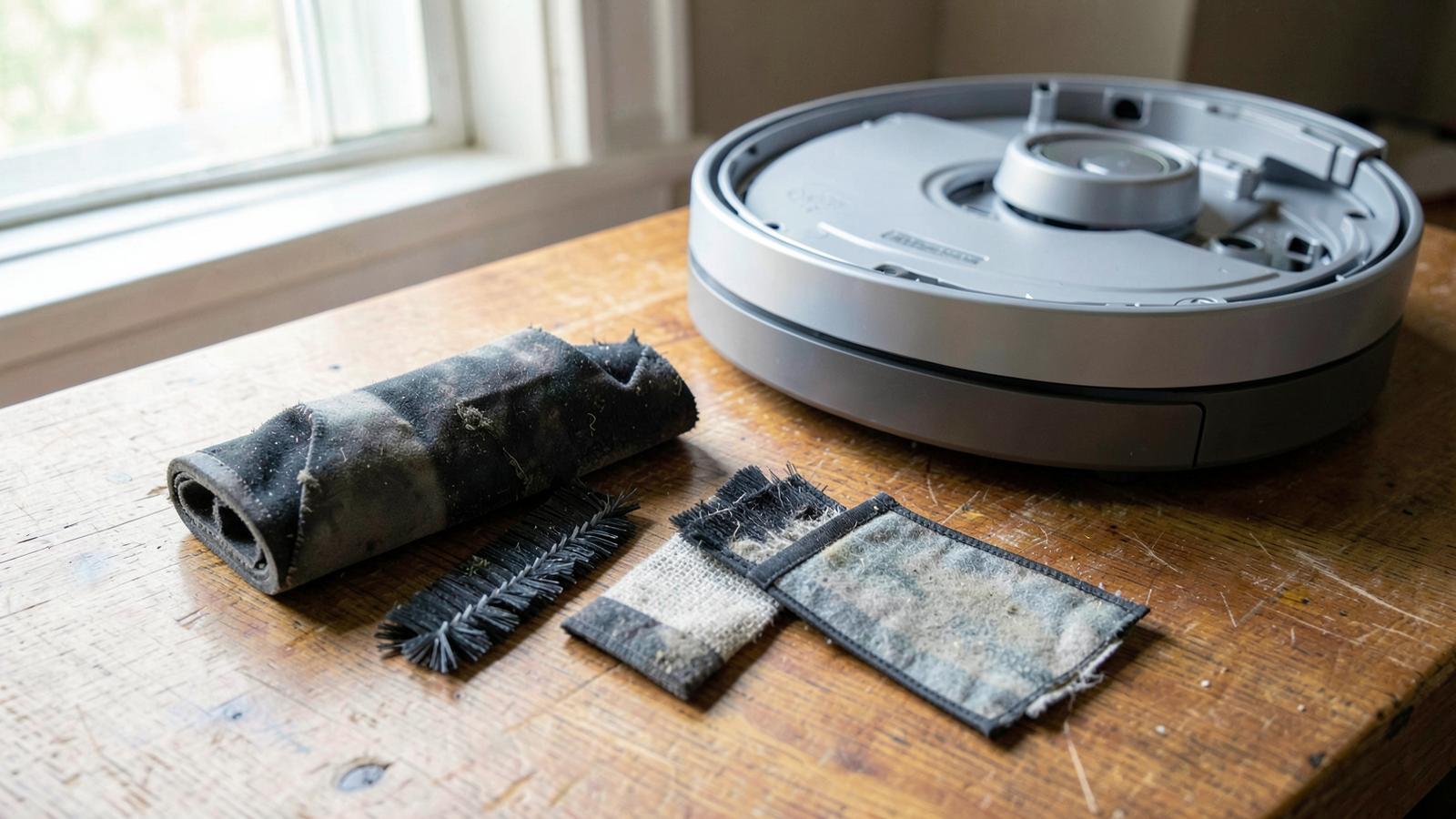
Consumables: brushes, side brushes, filters and mop pads are designed to be replaced on a schedule. Manufacturers publish intervals for each model in the manual, and they differ enough between brands that a single universal figure would be misleading — a pet home will also get through them faster than a pet-free one.
Mechanical and sensor parts: wheels, drop sensors and dock contacts collect grit and hair and are common service items, though most are inexpensive and user-replaceable. Motor or mainboard failure is far less commonly reported, and is usually the point at which repair stops being economic.
The maintenance that helps most
Regularly: clear tangled hair from the main brush and side brush, empty the bin if the robot does not do it itself, and rinse mop pads after use so they do not dry stiff or sour.
Periodically: wash or tap out the filter, wipe the sensors and the LiDAR turret or camera with a dry cloth, and clean the charging contacts on both robot and dock.
Replace consumables and the battery on the schedule in your model's manual, and when performance drops — noticeably shorter runtime, weaker pickup or streaky mopping that maintenance does not fix. Intervals vary by model, so treat the manual as the authority rather than any generic schedule.
Keep reading
Frequently asked questions
Final verdict
Lifespan is not something you can look up as a specification, so buy for repairability instead: a brand that keeps selling parts, a battery you can replace yourself, and a maintenance routine you will actually follow. Those three things influence how long a robot lasts far more than the brand name on the lid — and remember that a warranty tells you the coverage period, not the expected useful life.
About Our Research
TopPremiumPicks researches and compares products using manufacturer information, published specifications, reputable sources, retailer information and documented customer feedback.
How We Review Products